Ist Ping! eine Notruf-App?Is Ping! an emergency app?Ping! est-elle une application d'urgence ?¿Es Ping! una app de emergencias?Ping! è un'app per le emergenze?
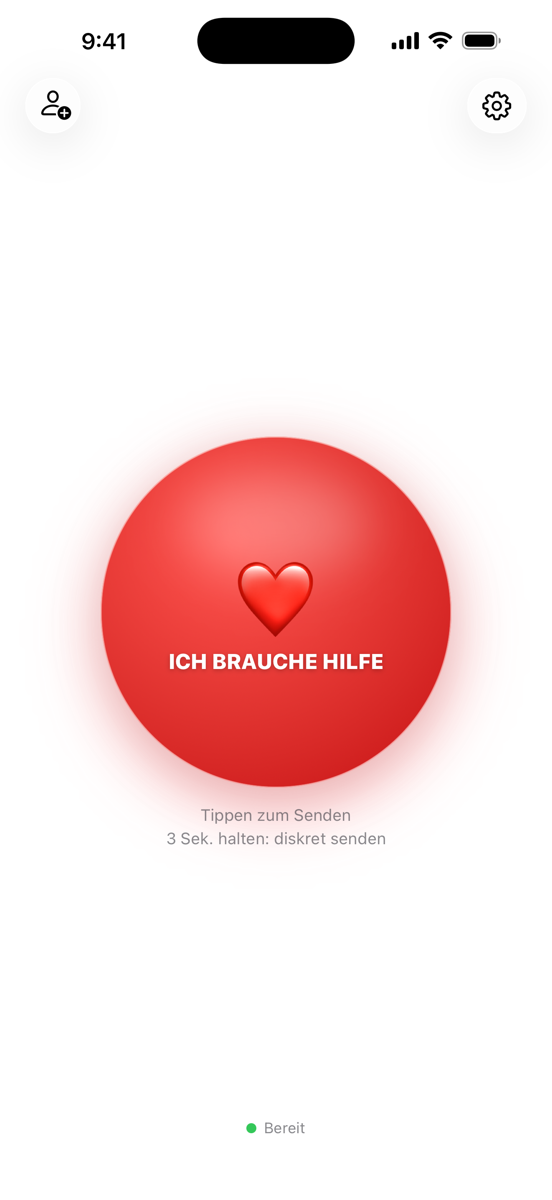
Nein. Ping! ist für die Alltagsmomente deiner Familie gedacht – Abholen, Panne, Komm mal her. In einer echten Gefahrenlage wähle immer zuerst den Notruf 112. Verfügbarkeit und Zustellung von Pings sind nicht garantiert.
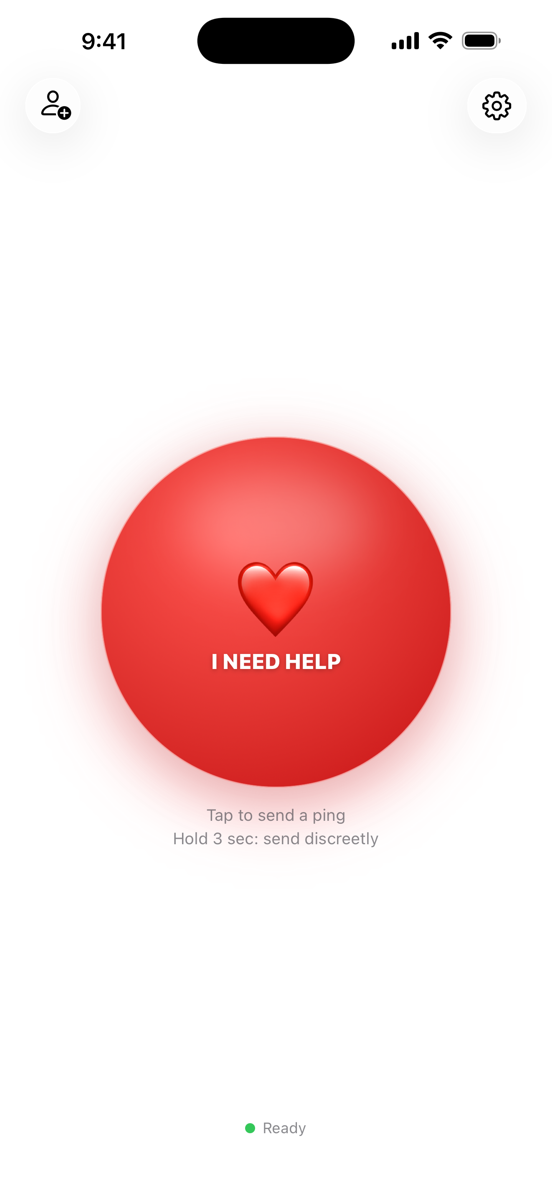
No. Ping! is made for your family's everyday moments – pick-ups, breakdowns, come-overs. In a real emergency, always call 112 (or your local emergency number) first. Availability and delivery of pings are not guaranteed.
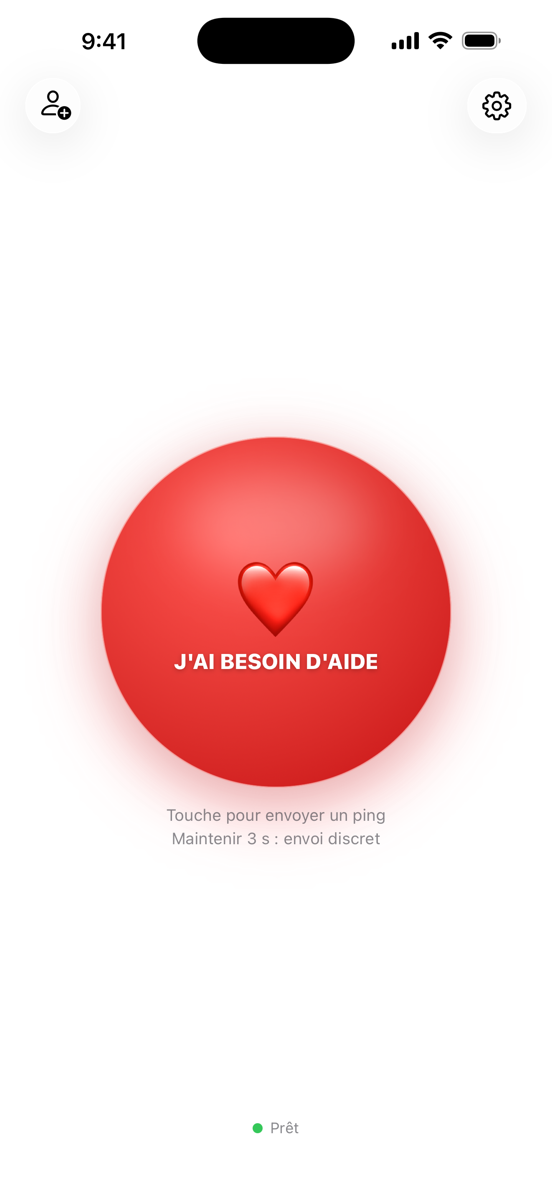
Non. Ping! est conçu pour les moments du quotidien de ta famille – venir te chercher, une panne, passer te voir. En cas de danger réel, appelle toujours d'abord le 112 (ou le numéro d'urgence local). La disponibilité et la remise des pings ne sont pas garanties.
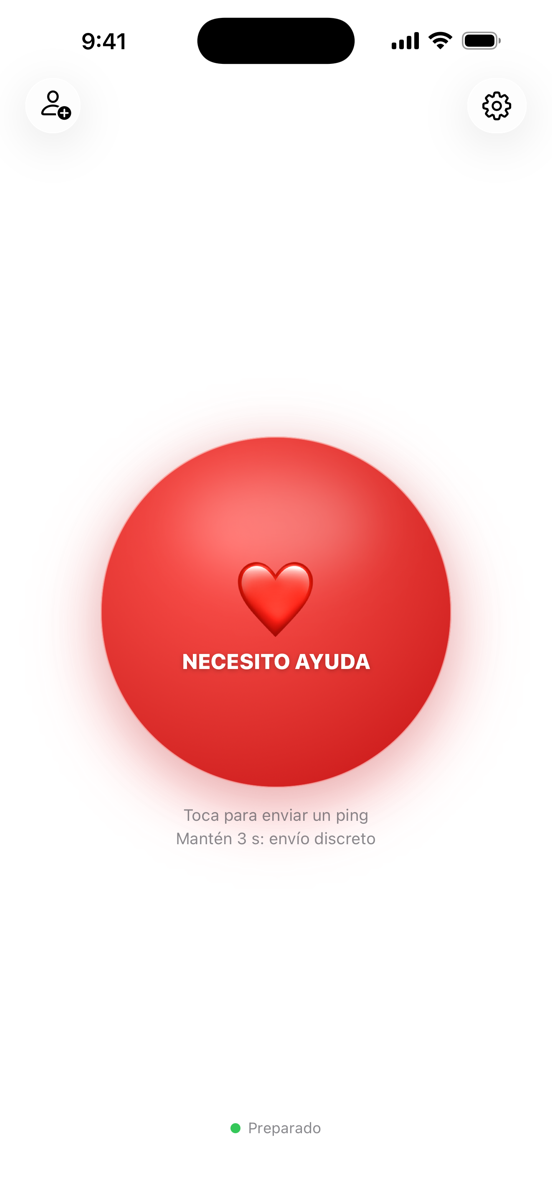
No. Ping! está pensado para los momentos cotidianos de tu familia – recogidas, averías, «ven un momento». En una situación de peligro real, llama siempre primero al 112 (o al número de emergencias local). No se garantizan la disponibilidad ni la entrega de los pings.
No. Ping! è pensato per i momenti quotidiani della tua famiglia – passaggi, guasti, «vieni qui». In una vera situazione di pericolo chiama sempre prima il 112 (o il numero di emergenza locale). Disponibilità e consegna dei ping non sono garantite.
Brauche ich Internet?Do I need the internet?Ai-je besoin d'Internet ?¿Necesito internet?Serve internet?
Ja. Ping! sendet Ping und Standort über das Internet – per WLAN oder Mobilfunk.
Yes. Ping! sends the message and location over the internet – via Wi-Fi or mobile data.
Oui. Ping! envoie le message et la position par Internet – en Wi-Fi ou en données mobiles.
Sí. Ping! envía el ping y la ubicación por internet – mediante wifi o datos móviles.
Sì. Ping! invia messaggio e posizione via internet – tramite Wi-Fi o rete mobile.
Funktioniert das im Ausland?Does it work abroad?Ça fonctionne à l'étranger ?¿Funciona en el extranjero?Funziona all'estero?
Ja, weltweit – solange du eine Internetverbindung hast.
Yes, worldwide – as long as you have an internet connection.
Oui, partout dans le monde – tant que tu as une connexion Internet.
Sí, en todo el mundo – siempre que tengas conexión a internet.
Sì, in tutto il mondo – finché hai una connessione a internet.
Muss die App geöffnet sein?Does the app need to be open?L'app doit-elle être ouverte ?¿Tiene que estar abierta la app?L'app deve essere aperta?
Nein. Pings kommen als Mitteilung an. Während eines aktiven Pings sendet die App deinen Standort auch im Hintergrund.
No. Pings arrive as notifications. While a ping is active the app shares your location in the background, too.
Non. Les pings arrivent sous forme de notification. Pendant un ping actif, l'app partage aussi ta position en arrière-plan.
No. Los pings llegan como notificación. Durante un ping activo, la app también comparte tu ubicación en segundo plano.
No. I ping arrivano come notifica. Durante un ping attivo l'app condivide la tua posizione anche in background.
Funktioniert die Apple Watch ohne iPhone?Does the Apple Watch work without an iPhone?L'Apple Watch fonctionne-t-elle sans iPhone ?¿Funciona el Apple Watch sin iPhone?L'Apple Watch funziona senza iPhone?
Ja. Hat die Watch selbst Internet (WLAN oder Mobilfunk bei Cellular-Modellen), sendet sie den Ping eigenständig – auch bei Kinder-Watches über die Familienkonfiguration, ganz ohne eigenes iPhone. Sonst leitet sie ihn über das gekoppelte iPhone weiter.
Yes. If the watch has its own connection (Wi-Fi, or mobile data on cellular models), it sends the ping on its own – including kids' watches via Family Setup, with no iPhone of their own. Otherwise it relays through the paired iPhone.
Oui. Si la montre a sa propre connexion (Wi-Fi, ou données mobiles sur les modèles cellulaires), elle envoie le ping toute seule – y compris les montres des enfants via la Configuration familiale, sans iPhone à eux. Sinon, elle le relaie via l'iPhone jumelé.
Sí. Si el reloj tiene su propia conexión (wifi o datos móviles en los modelos Cellular), envía el ping por sí solo – incluidos los relojes de los niños mediante Configuración Familiar, sin iPhone propio. Si no, lo reenvía a través del iPhone enlazado.
Sì. Se l'orologio ha una propria connessione (Wi-Fi o rete mobile nei modelli Cellular), invia il ping da solo – compresi gli orologi dei bambini tramite Configurazione famiglia, senza un proprio iPhone. Altrimenti lo inoltra tramite l'iPhone abbinato.
Wie lange wird mein Standort geteilt?How long is my location shared?Combien de temps ma position est-elle partagée ?¿Cuánto tiempo se comparte mi ubicación?Per quanto tempo viene condivisa la mia posizione?
Nur während eines aktiven Pings. Er endet mit „Erledigt ✓" oder automatisch – danach wird der Standort gelöscht.
Only while a ping is active. It ends with "Done ✓" or automatically – afterwards the location is deleted.
Seulement pendant un ping actif. Il se termine avec « Terminé ✓ » ou automatiquement – ta position est ensuite supprimée.
Solo durante un ping activo. Termina con «Listo ✓» o automáticamente – después la ubicación se elimina.
Solo durante un ping attivo. Termina con «Fatto ✓» o automaticamente – dopo la posizione viene eliminata.
Können meine Familienmitglieder Ping! mitbenutzen?Can my family members use Ping! too?Ma famille peut-elle aussi utiliser Ping! ?¿Puede usar Ping! también mi familia?Anche la mia famiglia può usare Ping!?
Ja. Ping! wird einmal gekauft und ist über Apples Familienfreigabe für bis zu sechs Personen nutzbar. Zwei Dinge müssen dafür stimmen: In den Familien-Einstellungen muss Einkäufe teilen eingeschaltet sein, und die anderen laden Ping! im App Store über Account → „Gekauft" → „Familienkäufe". Wer die App stattdessen einfach sucht, sieht auf der Produktseite manchmal weiter den Preis – das ist nur ein zwischengespeicherter Stand, kein zweiter Kauf.
Yes. Ping! is bought once and can be used by up to six people through Apple's Family Sharing. Two things need to be right: Purchase Sharing must be on in your family settings, and the others download Ping! in the App Store under Account → Purchased → Family Purchases. If they just search for the app instead, the product page sometimes still shows the price – that's only a cached state, not a second purchase.
Oui. Ping! s'achète une seule fois et jusqu'à six personnes peuvent l'utiliser grâce au Partage familial d'Apple. Deux conditions : le partage des achats doit être activé dans les réglages de la famille, et les autres téléchargent Ping! dans l'App Store via Compte → Achats → Achats familiaux. S'ils cherchent simplement l'app, la page produit affiche parfois encore le prix – ce n'est qu'un état en cache, pas un second achat.
Sí. Ping! se compra una vez y hasta seis personas pueden usarla mediante Compartir en familia de Apple. Dos cosas tienen que estar bien: Compartir compras debe estar activado en los ajustes de la familia, y los demás descargan Ping! en el App Store desde Cuenta → Comprado → Compras familiares. Si en su lugar solo buscan la app, la página del producto a veces sigue mostrando el precio: es solo un estado en caché, no una segunda compra.
Sì. Ping! si acquista una volta sola e fino a sei persone possono usarla tramite In famiglia di Apple. Servono due cose: la condivisione degli acquisti deve essere attiva nelle impostazioni della famiglia, e gli altri scaricano Ping! nell'App Store da Account → Acquistati → Acquisti della famiglia. Se invece cercano semplicemente l'app, la pagina del prodotto a volte mostra ancora il prezzo: è solo uno stato in cache, non un secondo acquisto.
Familienfreigabe oder Ping-Gruppe – was ist der Unterschied?Family Sharing or Ping group – what's the difference?Partage familial ou groupe Ping – quelle différence ?Compartir en familia o grupo de Ping: ¿qué diferencia hay?In famiglia o gruppo Ping: che differenza c'è?
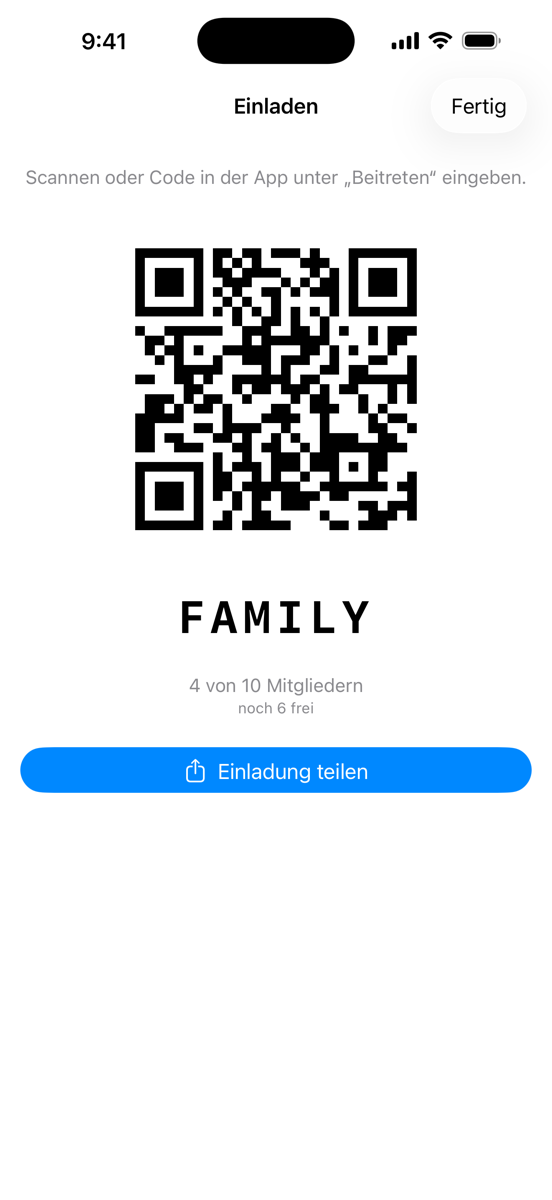
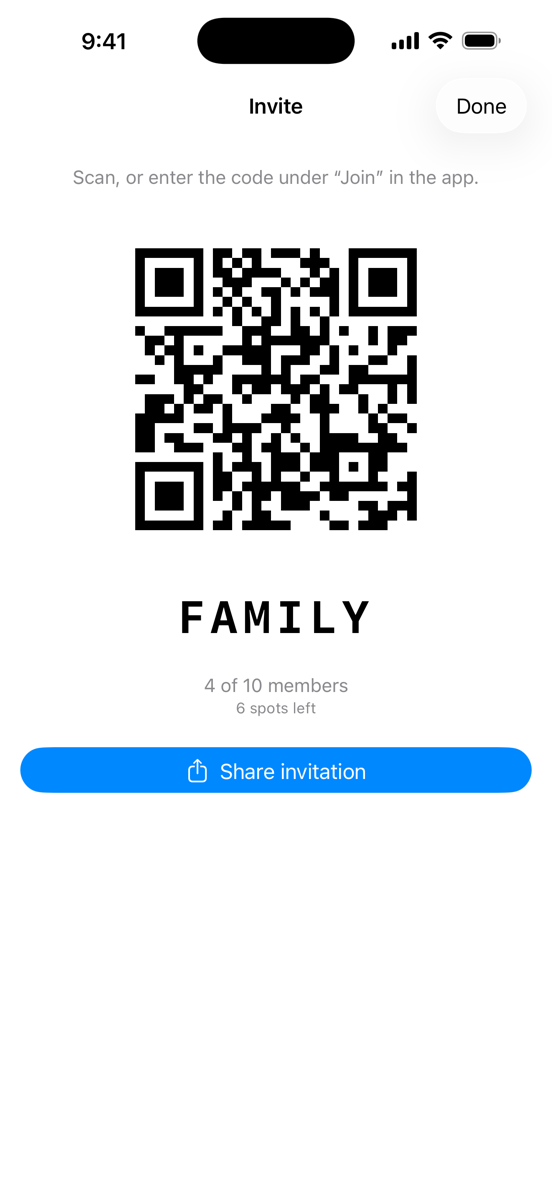
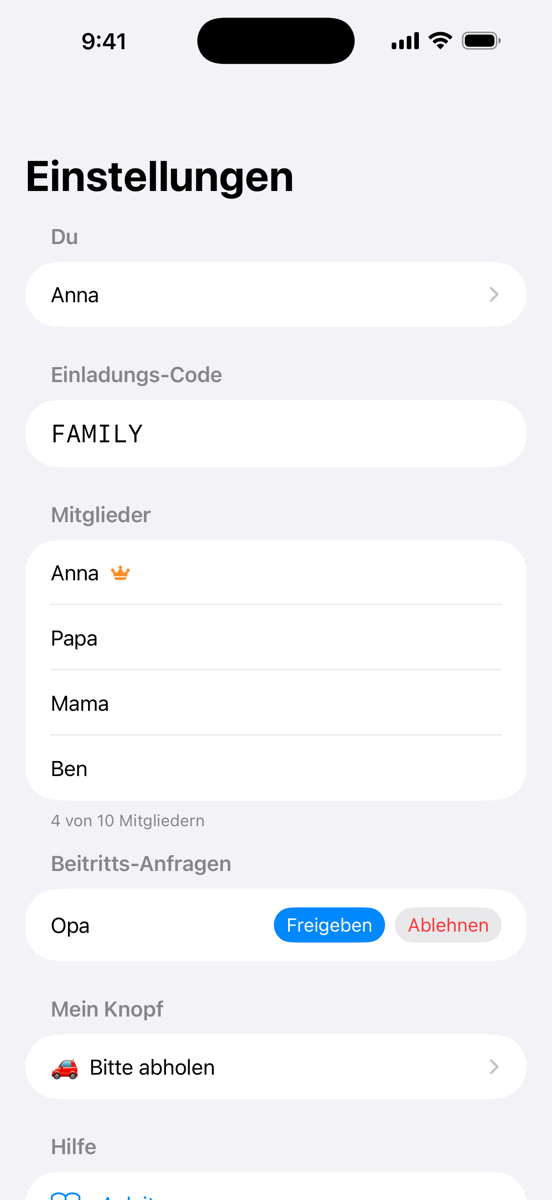
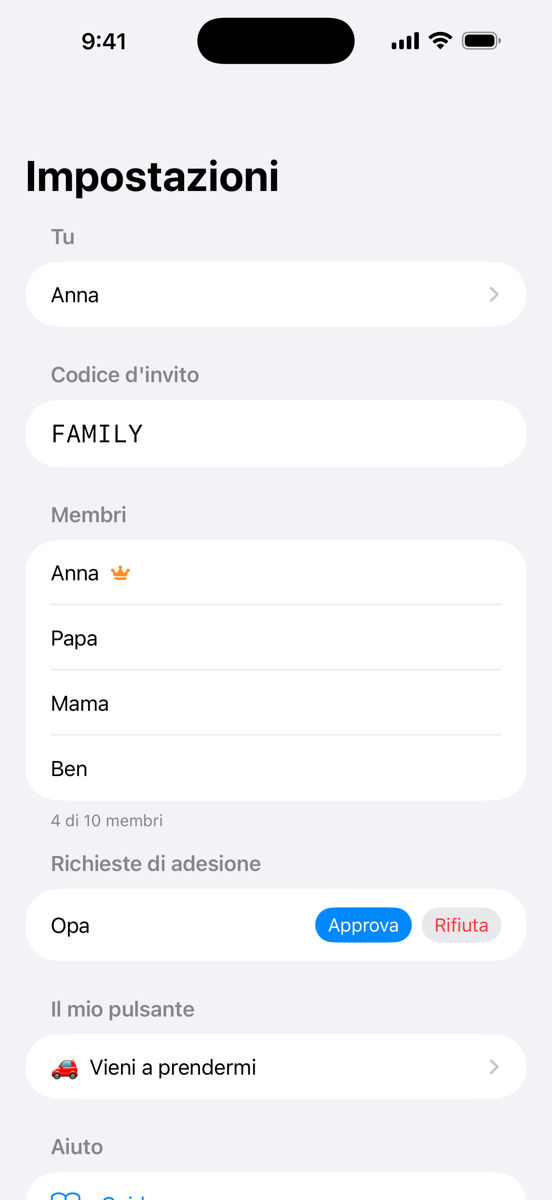
Zwei verschiedene Dinge. Die Familienfreigabe kommt von Apple und regelt nur das Bezahlen: wer die App laden darf, bis zu sechs Personen. Die Ping-Gruppe ist die Gruppe in der App und regelt, wer deine Pings bekommt – bis zu zehn Personen. Wer nicht in deiner Familienfreigabe ist, kann trotzdem in deine Ping-Gruppe, braucht dann aber eine eigene Kopie der App.
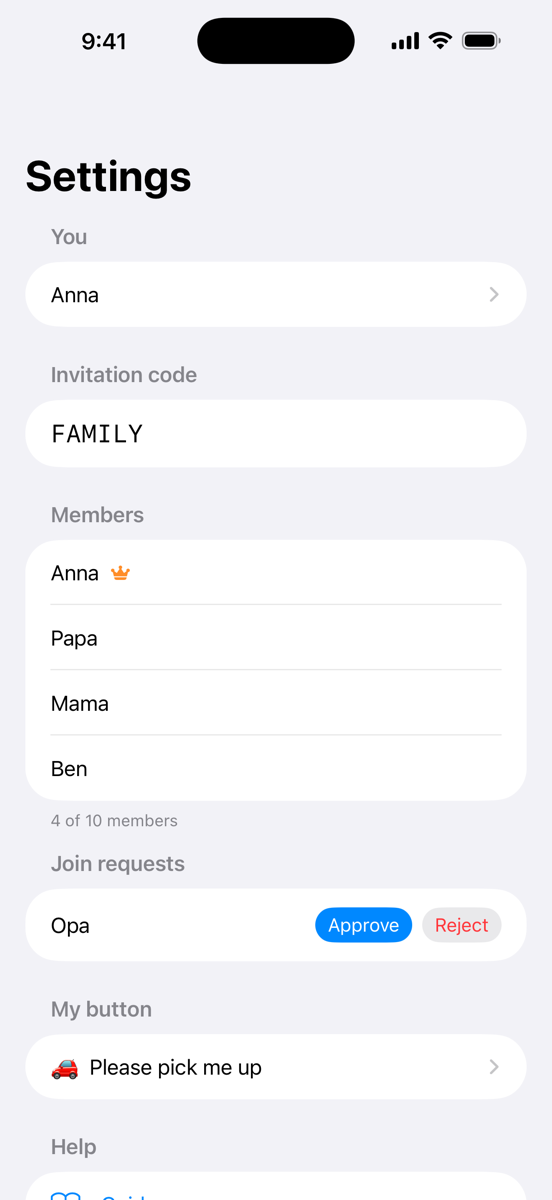
Two different things. Family Sharing comes from Apple and only governs paying: who may download the app, up to six people. The Ping group is the group inside the app and governs who receives your pings – up to ten people. Someone who isn't in your Family Sharing can still join your Ping group, but needs their own copy of the app.
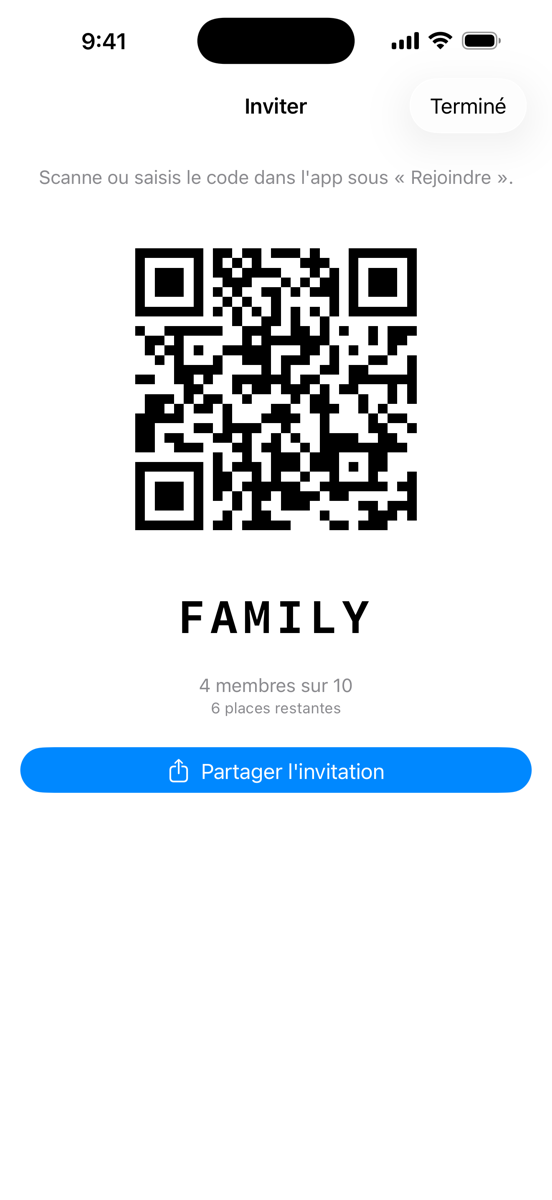
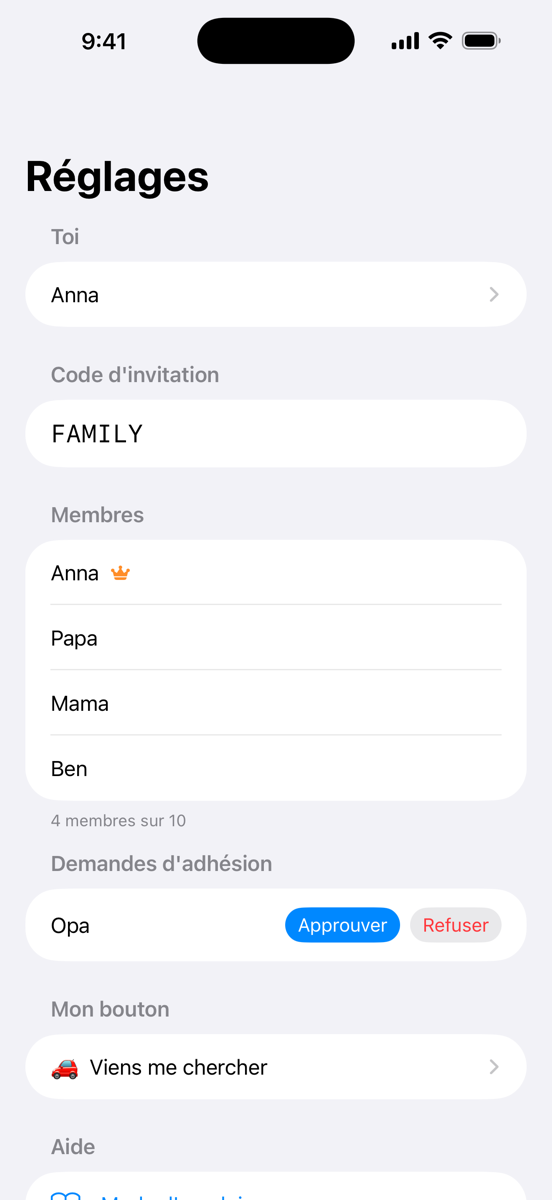
Deux choses différentes. Le Partage familial vient d'Apple et ne concerne que le paiement : qui peut télécharger l'app, jusqu'à six personnes. Le groupe Ping est le groupe dans l'app et détermine qui reçoit tes pings – jusqu'à dix personnes. Une personne qui n'est pas dans ton Partage familial peut quand même rejoindre ton groupe Ping, mais il lui faut sa propre copie de l'app.
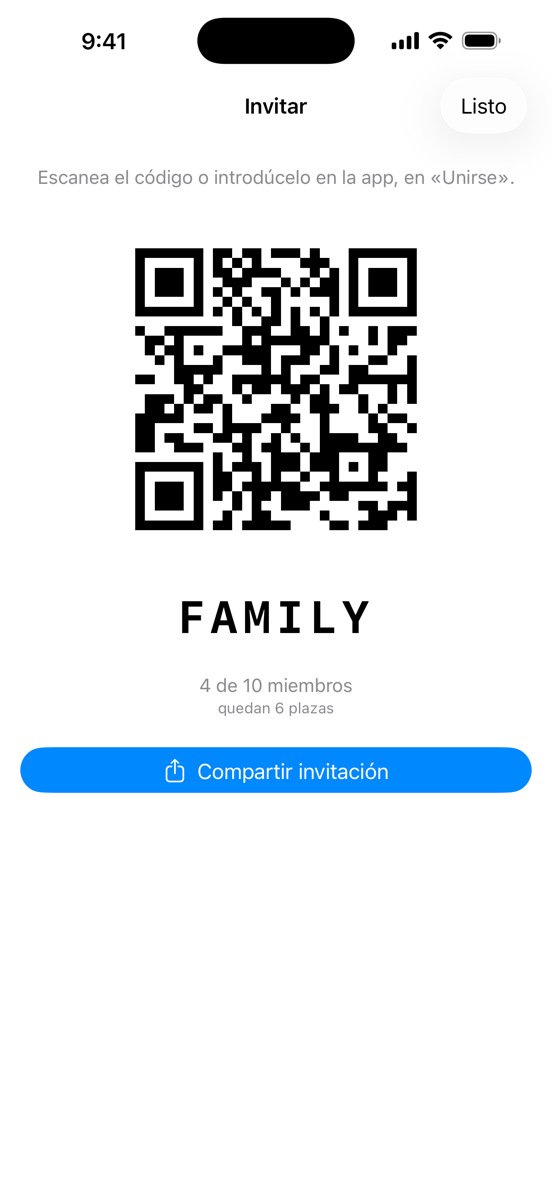
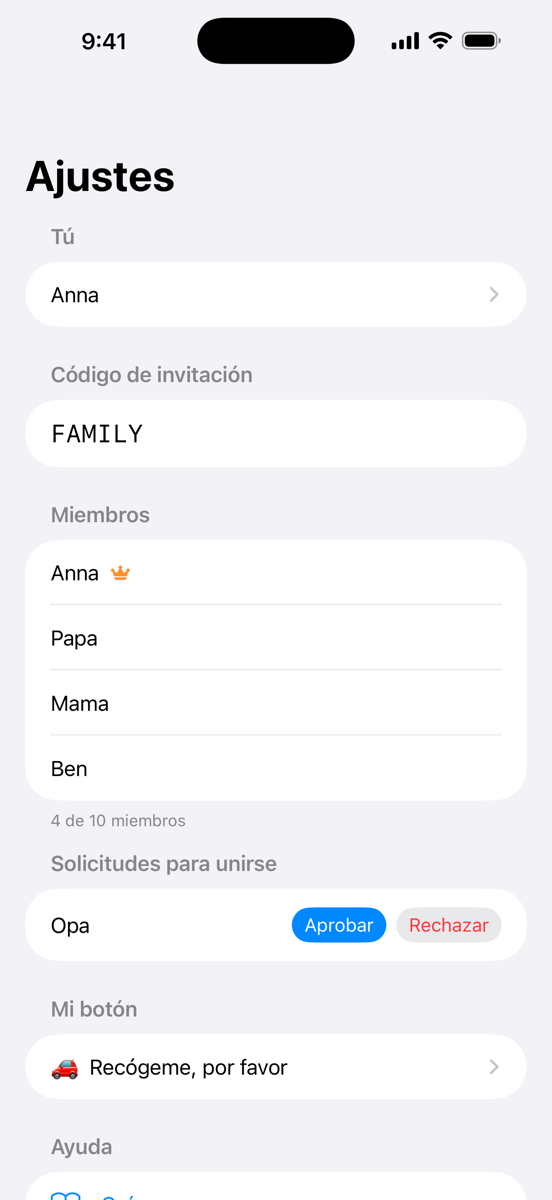
Dos cosas distintas. Compartir en familia es de Apple y solo regula el pago: quién puede descargar la app, hasta seis personas. El grupo de Ping es el grupo dentro de la app y regula quién recibe tus pings: hasta diez personas. Quien no esté en tu Compartir en familia puede entrar igualmente en tu grupo de Ping, pero necesita su propia copia de la app.
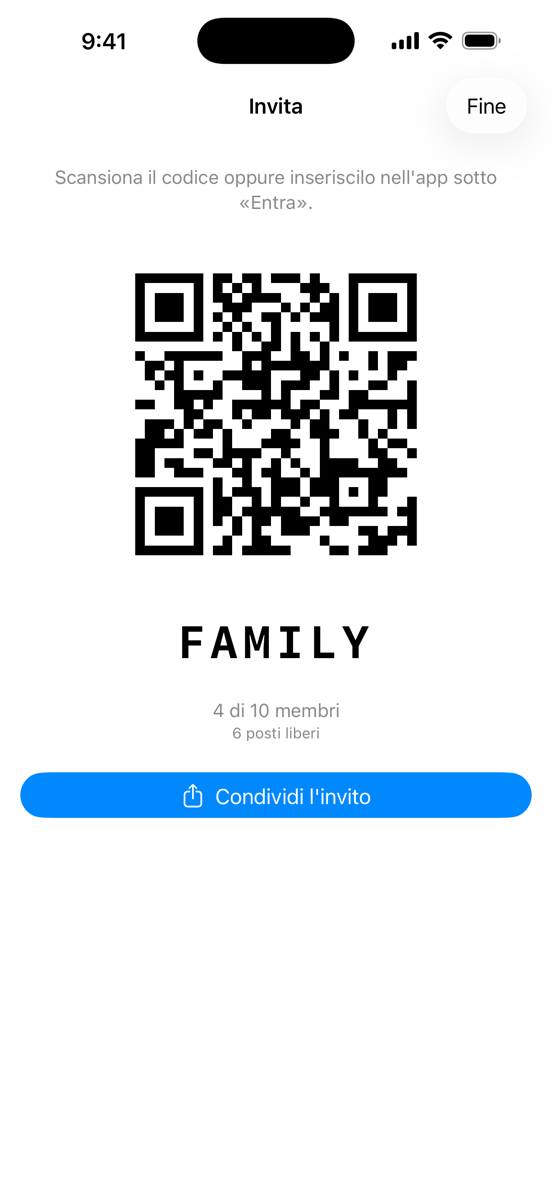
Due cose diverse. In famiglia è di Apple e riguarda solo il pagamento: chi può scaricare l'app, fino a sei persone. Il gruppo Ping è il gruppo dentro l'app e stabilisce chi riceve i tuoi ping: fino a dieci persone. Chi non è nel tuo In famiglia può comunque entrare nel tuo gruppo Ping, ma gli serve una propria copia dell'app.