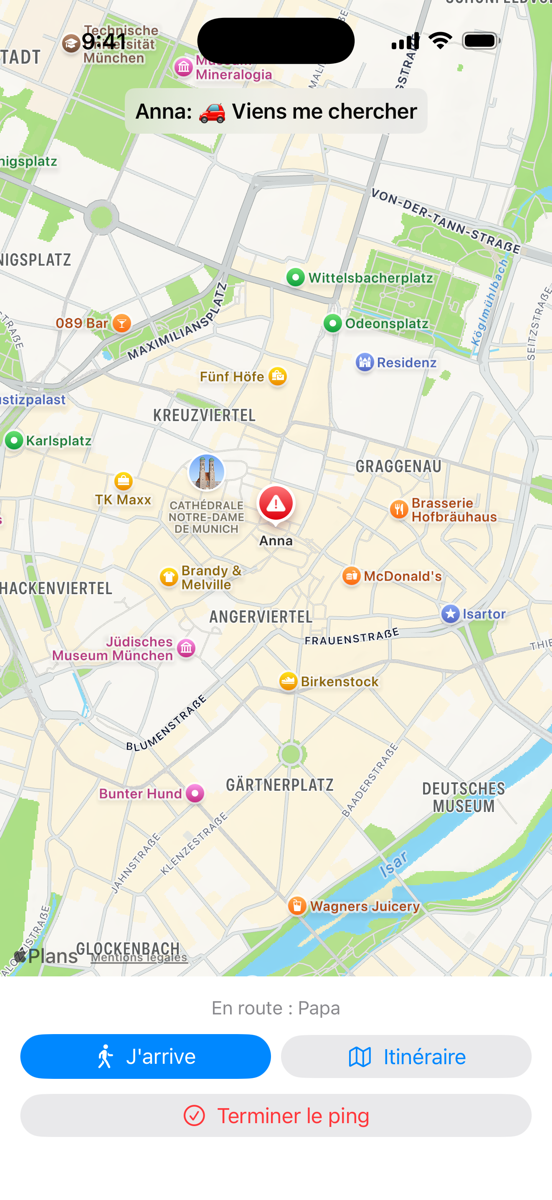
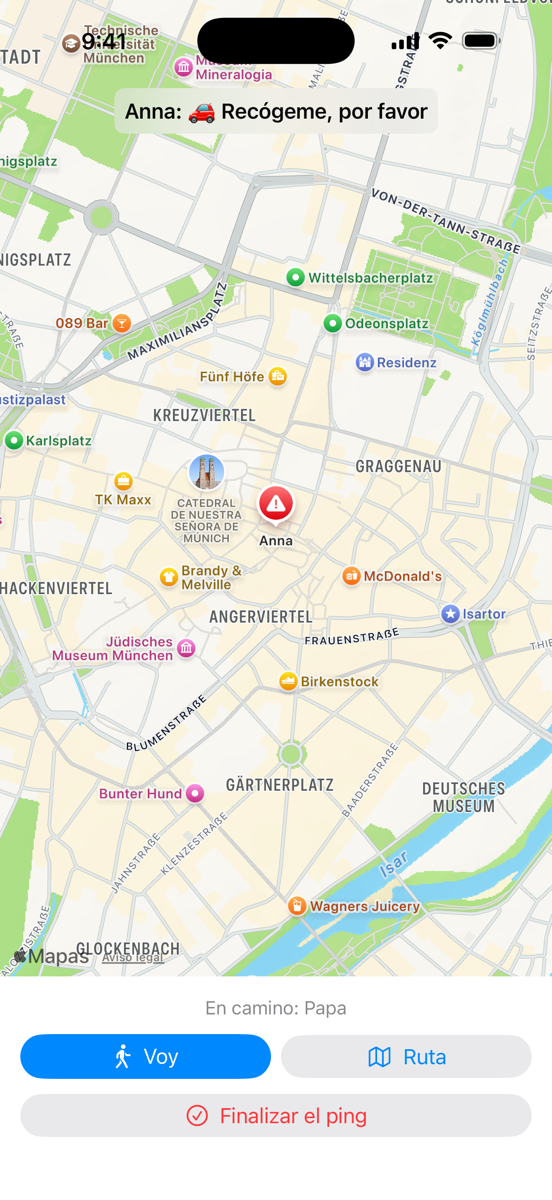
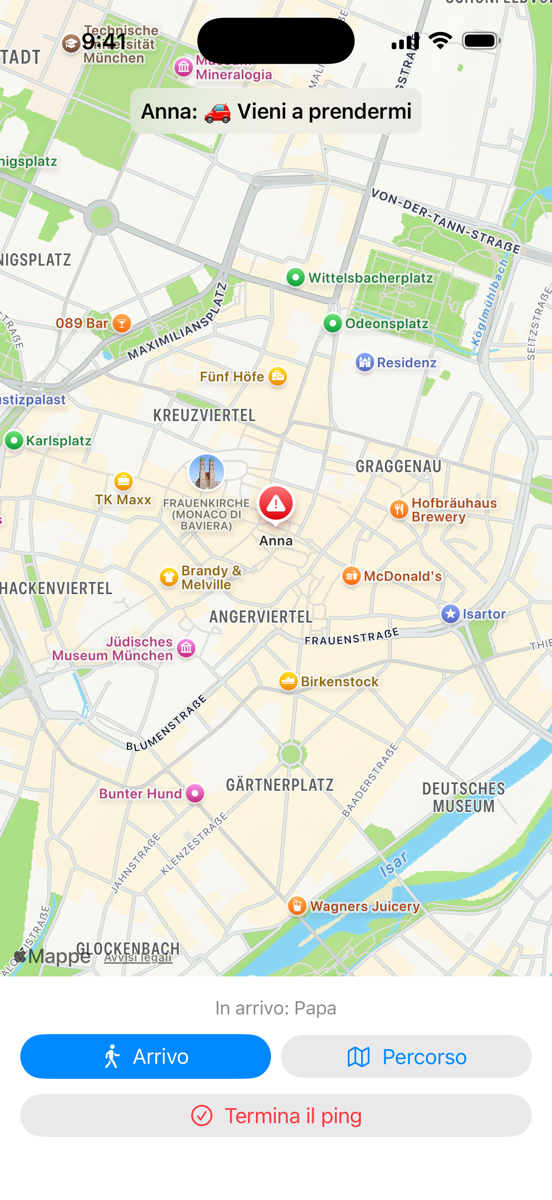
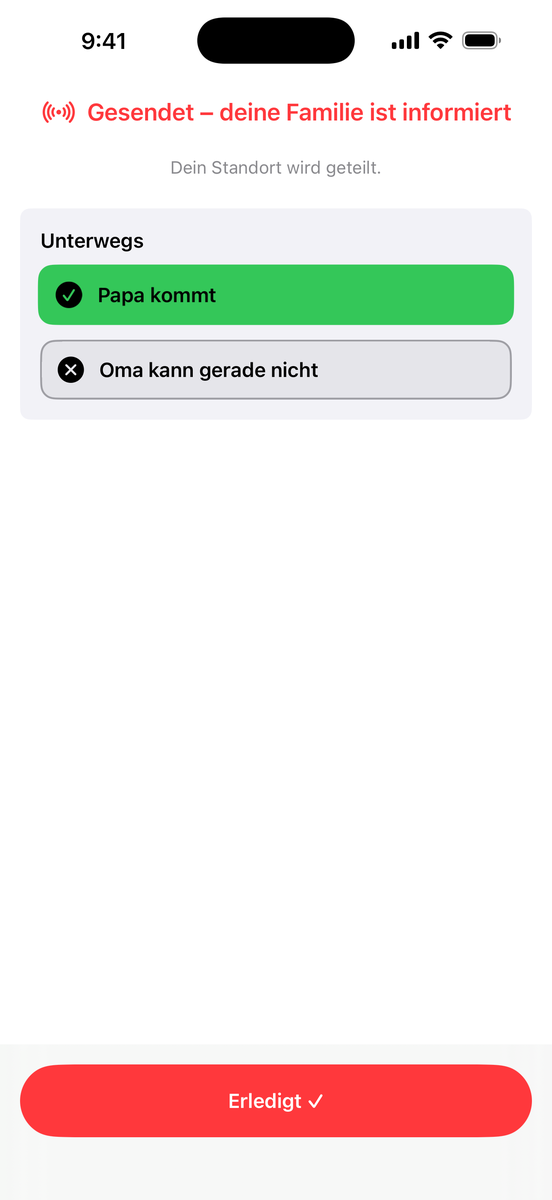
Ist Ping! eine Notruf-App?Is Ping! an emergency app?Ping! est-elle une application d'urgence ?¿Es Ping! una app de emergencias?Ping! è un'app per le emergenze?
Nein. Ping! ist für die Alltagsmomente deiner Familie gedacht – Abholen, Panne, Komm mal her. In einer echten Gefahrenlage wähle immer zuerst den Notruf 112. Verfügbarkeit und Zustellung von Pings sind nicht garantiert.
No. Ping! is made for your family's everyday moments – pick-ups, breakdowns, come-overs. In a real emergency, always call 112 (or your local emergency number) first. Availability and delivery of pings are not guaranteed.
Non. Ping! est conçu pour les moments du quotidien de ta famille – venir te chercher, une panne, passer te voir. En cas de danger réel, appelle toujours d'abord le 112 (ou le numéro d'urgence local). La disponibilité et la remise des pings ne sont pas garanties.
No. Ping! está pensado para los momentos cotidianos de tu familia – recogidas, averías, «ven un momento». En una situación de peligro real, llama siempre primero al 112 (o al número de emergencias local). No se garantizan la disponibilidad ni la entrega de los pings.
No. Ping! è pensato per i momenti quotidiani della tua famiglia – passaggi, guasti, «vieni qui». In una vera situazione di pericolo chiama sempre prima il 112 (o il numero di emergenza locale). Disponibilità e consegna dei ping non sono garantite.
Ersetzt Ping! einen Hausnotruf?Does Ping! replace a personal alarm service?Ping! remplace-t-elle une téléassistance ?¿Sustituye Ping! a la teleasistencia?Ping! sostituisce un servizio di telesoccorso?
Nein – und will es nicht. Ein Hausnotruf ruft eine Leitstelle, rund um die Uhr, mit Hardware und monatlicher Gebühr; für Menschen, die das brauchen, ist er richtig. Ping! deckt die Fälle davor ab: die vielen Situationen, in denen man nicht die Rettung braucht, sondern die eigene Familie.
No – and it doesn't want to. A personal alarm calls a monitoring centre around the clock, with its own hardware and a monthly fee; for people who need that, it's the right thing. Ping! covers the cases before that: the many situations where you don't need the emergency services, but your own family.
Non – et ce n'est pas son but. Une téléassistance appelle une centrale d'écoute, 24 heures sur 24, avec du matériel dédié et un abonnement mensuel ; pour les personnes qui en ont besoin, c'est la bonne solution. Ping! couvre les cas d'avant : les nombreuses situations où l'on n'a pas besoin des secours, mais de sa propre famille.
No – ni pretende hacerlo. La teleasistencia llama a una central de atención, las 24 horas, con un aparato propio y una cuota mensual; para quien la necesita, es lo correcto. Ping! cubre los casos anteriores: las muchas situaciones en las que no hace falta el servicio de emergencias, sino la propia familia.
No – e non vuole farlo. Il telesoccorso chiama una centrale operativa, 24 ore su 24, con un apparecchio dedicato e un canone mensile; per chi ne ha bisogno è la scelta giusta. Ping! copre i casi prima di quello: le tante situazioni in cui non servono i soccorsi, ma la propria famiglia.
Schlägt Ping! von selbst Alarm, wenn sich jemand nicht meldet?Does Ping! raise an alarm by itself if someone doesn't check in?Ping! donne-t-elle l'alerte toute seule si quelqu'un ne se manifeste pas ?¿Da Ping! la alarma por sí sola si alguien no se comunica?Ping! dà l'allarme da solo se qualcuno non si fa sentire?
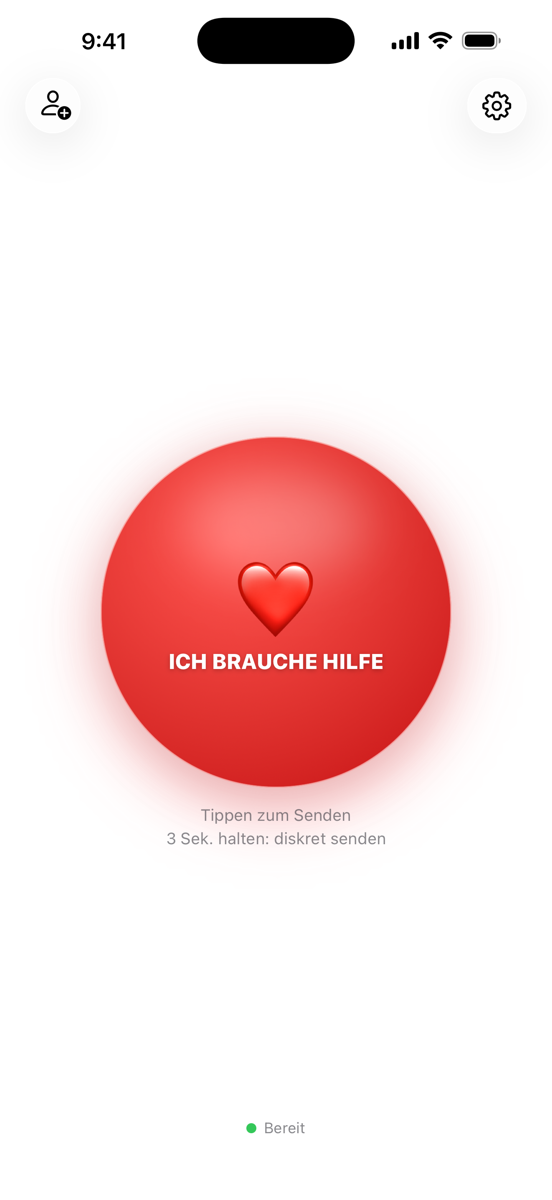
Nein. Ping! meldet nur, was jemand aktiv auslöst – keine Meldepflicht, keine Zeitschaltung, keine Sturzerkennung. Apps mit fester Rückmeldezeit klingen sicherer, haben aber eine Lücke: Passiert etwas kurz nach dem Einchecken, fällt es erst zur nächsten Meldezeit auf – je nach Einstellung Stunden bis ein ganzer Tag. Engere Zeiten bedeuten dafür ständiges Einchecken und Fehlalarme. Ping! setzt auf den aktiven Knopf: ein Druck, und die Familie weiß in Sekunden Bescheid. Wer beides möchte, kann solche Apps neben Ping! nutzen.
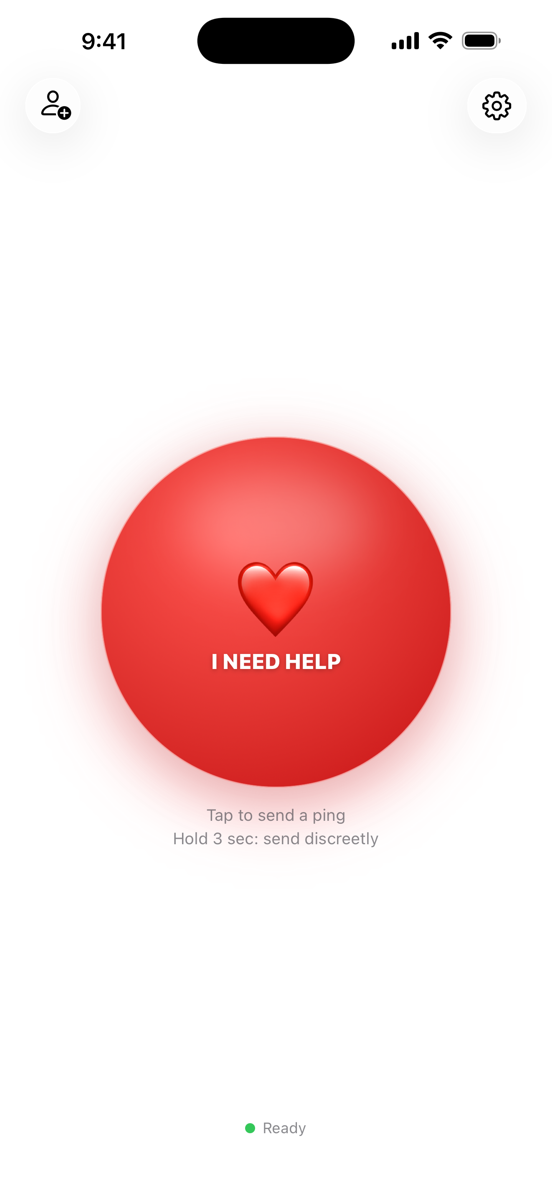
No. Ping! only reports what someone actively triggers – no check-in duty, no timer, no fall detection. Apps with a fixed check-in time sound safer, but they have a gap: if something happens shortly after checking in, no one notices until the next check-in – hours to a whole day, depending on the setting. Tighter intervals mean constant checking in and false alarms instead. Ping! relies on the active button: one press, and your family knows within seconds. If you want both, such apps work fine alongside Ping!.
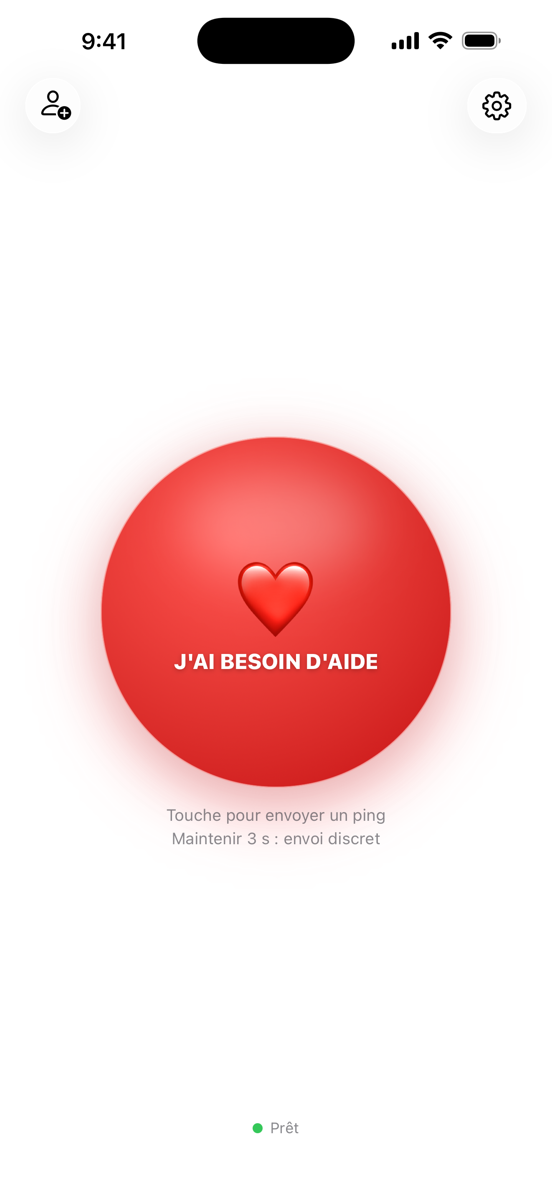
Non. Ping! ne transmet que ce que quelqu'un déclenche activement – aucune obligation de se manifester, aucune minuterie, aucune détection de chute. Les applis à heure de rappel fixe semblent plus sûres, mais elles ont une faille : s'il arrive quelque chose juste après le pointage, personne ne le remarque avant l'échéance suivante – selon le réglage, des heures, voire une journée entière. Des intervalles plus courts, eux, imposent de pointer sans cesse et multiplient les fausses alertes. Ping! mise sur le bouton actif : une pression, et ta famille est au courant en quelques secondes. Si tu veux les deux, ces applis se combinent très bien avec Ping!.
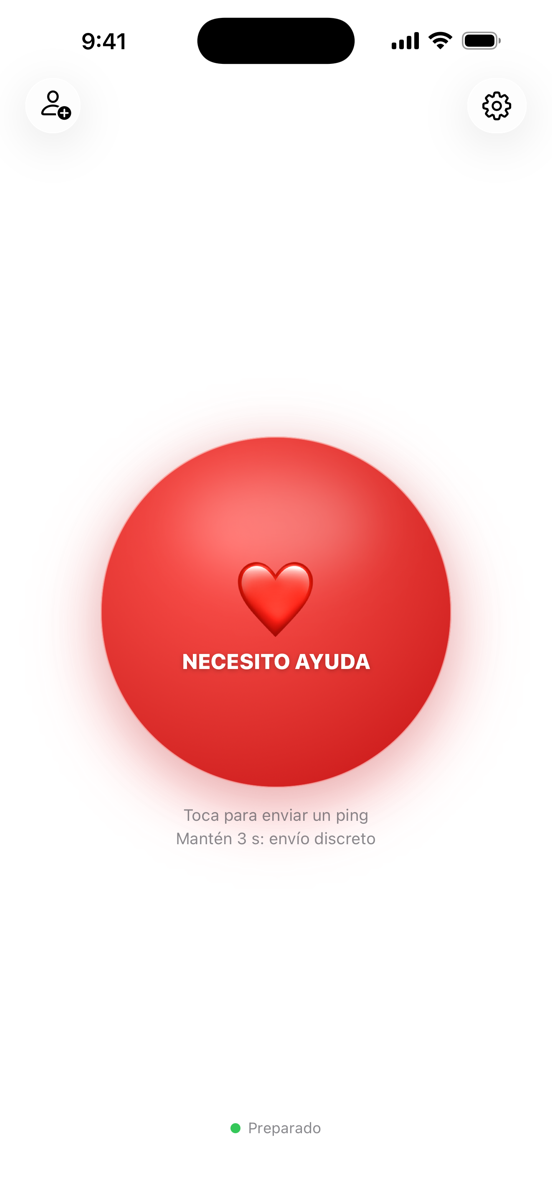
No. Ping! solo transmite lo que alguien activa – sin obligación de comunicarse, sin temporizador, sin detección de caídas. Las apps con hora fija de aviso suenan más seguras, pero tienen un hueco: si pasa algo justo después de confirmar, nadie lo nota hasta la siguiente hora de aviso – según el ajuste, horas o un día entero. Con intervalos más cortos, en cambio, toca confirmar constantemente y llegan falsas alarmas. Ping! apuesta por el botón activo: una pulsación y tu familia lo sabe en segundos. Si quieres ambas cosas, esas apps funcionan bien junto a Ping!.
No. Ping! trasmette solo ciò che qualcuno attiva – nessun obbligo di farsi sentire, nessun timer, nessun rilevamento delle cadute. Le app con orario fisso di conferma sembrano più sicure, ma hanno una falla: se succede qualcosa subito dopo la conferma, nessuno se ne accorge fino alla scadenza successiva – a seconda dell'impostazione, ore o un giorno intero. Intervalli più stretti significano invece conferme continue e falsi allarmi. Ping! punta sul pulsante attivo: una pressione e la tua famiglia lo sa in pochi secondi. Se vuoi entrambe le cose, queste app funzionano bene accanto a Ping!.
Gibt es ein Abo?Is there a subscription?Y a-t-il un abonnement ?¿Hay suscripción?C'è un abbonamento?
Nein. Ping! wird einmal gekauft und gehört dir. Keine monatlichen Kosten, keine Hardware, keine Vertragsbindung.
No. You buy Ping! once and it's yours. No monthly cost, no hardware, no contract.
Non. Ping! s'achète une seule fois et t'appartient. Aucun coût mensuel, aucun matériel, aucun engagement.
No. Ping! se compra una vez y es tuyo. Sin cuotas mensuales, sin aparatos, sin permanencia.
No. Ping! si acquista una volta sola ed è tuo. Nessun costo mensile, nessun apparecchio, nessun vincolo contrattuale.
Brauche ich Internet?Do I need the internet?Ai-je besoin d'Internet ?¿Necesito internet?Serve internet?
Ja. Ping! sendet Ping und Standort über das Internet – per WLAN oder Mobilfunk.
Yes. Ping! sends the message and location over the internet – via Wi-Fi or mobile data.
Oui. Ping! envoie le message et la position par Internet – en Wi-Fi ou en données mobiles.
Sí. Ping! envía el ping y la ubicación por internet – mediante wifi o datos móviles.
Sì. Ping! invia messaggio e posizione via internet – tramite Wi-Fi o rete mobile.
Funktioniert das im Ausland?Does it work abroad?Ça fonctionne à l'étranger ?¿Funciona en el extranjero?Funziona all'estero?
Ja, weltweit – solange du eine Internetverbindung hast.
Yes, worldwide – as long as you have an internet connection.
Oui, partout dans le monde – tant que tu as une connexion Internet.
Sí, en todo el mundo – siempre que tengas conexión a internet.
Sì, in tutto il mondo – finché hai una connessione a internet.
Muss die App geöffnet sein?Does the app need to be open?L'app doit-elle être ouverte ?¿Tiene que estar abierta la app?L'app deve essere aperta?
Nein. Pings kommen als Mitteilung an. Während eines aktiven Pings sendet die App deinen Standort auch im Hintergrund.
No. Pings arrive as notifications. While a ping is active the app shares your location in the background, too.
Non. Les pings arrivent sous forme de notification. Pendant un ping actif, l'app partage aussi ta position en arrière-plan.
No. Los pings llegan como notificación. Durante un ping activo, la app también comparte tu ubicación en segundo plano.
No. I ping arrivano come notifica. Durante un ping attivo l'app condivide la tua posizione anche in background.
Wie funktioniert der Wechsel auf ein neues Handy?How do I move to a new phone?Comment passer à un nouveau téléphone ?¿Cómo cambio a un móvil nuevo?Come passo a un telefono nuovo?
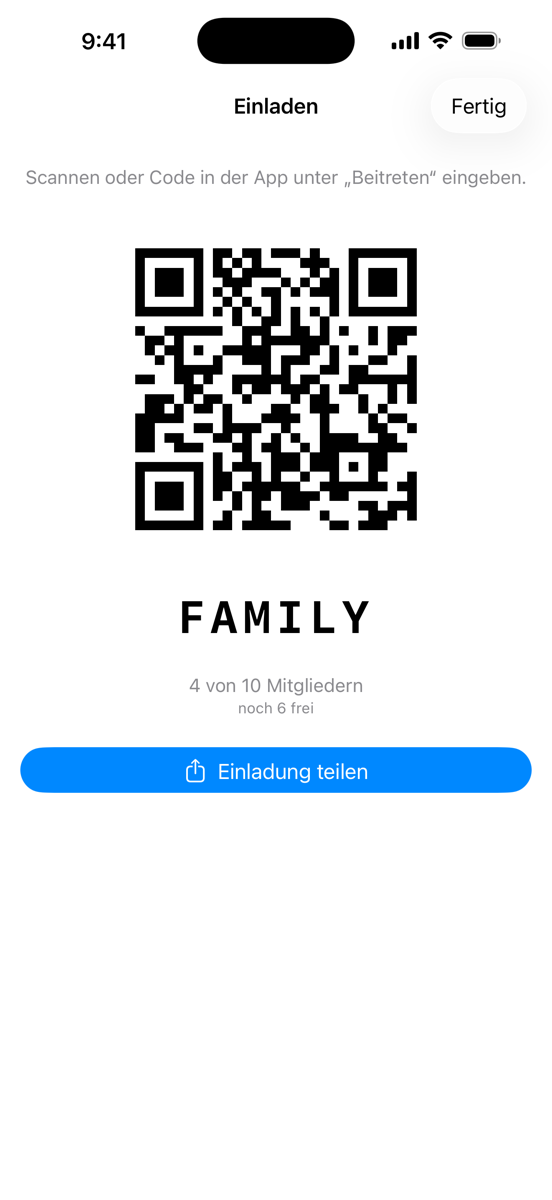
Neues Handy – kein Problem. Ping! braucht kein Konto und kein Passwort. Auf dem neuen Handy lädst du die App einfach wieder (mit derselben Apple-ID bzw. demselben Google-Konto musst du nichts noch einmal bezahlen) und trittst deiner Gruppe mit dem Einladungs-Code bei – den bekommst du notfalls von deiner Familie. Wichtig: Gib genau den Namen ein, den du in der Gruppe schon hattest. Wer die Gruppe verwaltet, gibt dich dann als Gerätewechsel frei – verwaltest du sie selbst, machst du das noch vom alten Handy aus. Dein Platz zieht komplett um, samt Beitrittsdatum und Rolle; das alte Handy ist danach nicht mehr in der Gruppe. Bist du allein in der Gruppe und das alte Handy ist weg? Dann leg auf dem neuen Handy einfach eine neue Gruppe an.
New phone – no problem. Ping! needs no account and no password. On the new phone, simply download the app again (with the same Apple ID or Google account you don't pay again) and join your group with the invitation code – if needed, your family can give it to you. Important: enter exactly the name you already had in the group. Whoever manages the group then approves you as a device switch – if you manage it yourself, do that from the old phone. Your place moves over completely, join date and role included; the old phone is no longer in the group afterwards. Alone in your group and the old phone is gone? Then just create a new group on the new phone.
Nouveau téléphone – aucun problème. Ping! ne demande ni compte ni mot de passe. Sur le nouveau téléphone, télécharge simplement l'app à nouveau (avec le même identifiant Apple ou le même compte Google, tu ne repaies rien) et rejoins ton groupe avec le code d'invitation – au besoin, ta famille te le redonne. Important : saisis exactement le nom que tu avais déjà dans le groupe. La personne qui gère le groupe t'approuve ensuite comme changement d'appareil – si tu le gères toi-même, fais-le depuis l'ancien téléphone. Ta place est reprise intégralement, date d'adhésion et rôle compris ; l'ancien téléphone ne fait ensuite plus partie du groupe. Tu es seul dans ton groupe et l'ancien téléphone a disparu ? Crée simplement un nouveau groupe sur le nouveau.
Móvil nuevo: ningún problema. Ping! no necesita cuenta ni contraseña. En el móvil nuevo, descarga la app de nuevo (con el mismo Apple ID o la misma cuenta de Google no vuelves a pagar) y entra en tu grupo con el código de invitación; si te hace falta, tu familia te lo pasa. Importante: escribe exactamente el nombre que ya tenías en el grupo. Quien gestiona el grupo te aprueba entonces como cambio de dispositivo; si lo gestionas tú, hazlo desde el móvil antiguo. Tu puesto se traslada por completo – con fecha de ingreso y rol incluidos –; después el móvil antiguo ya no está en el grupo. ¿Estás solo en el grupo y el móvil antiguo ya no existe? Crea simplemente un grupo nuevo en el móvil nuevo.
Telefono nuovo: nessun problema. Ping! non richiede né account né password. Sul telefono nuovo scarica di nuovo l'app (con lo stesso ID Apple o lo stesso account Google non paghi di nuovo) ed entra nel tuo gruppo con il codice d'invito; se serve, te lo ridà la tua famiglia. Importante: inserisci esattamente il nome che avevi già nel gruppo. Chi gestisce il gruppo ti approva poi come cambio dispositivo; se lo gestisci tu, fallo dal vecchio telefono. Il tuo posto viene trasferito per intero, con data di ingresso e ruolo; dopo, il vecchio telefono non è più nel gruppo. Sei da solo nel gruppo e il vecchio telefono non c'è più? Crea semplicemente un nuovo gruppo sul telefono nuovo.
Funktioniert die Apple Watch ohne iPhone?Does the Apple Watch work without an iPhone?L'Apple Watch fonctionne-t-elle sans iPhone ?¿Funciona el Apple Watch sin iPhone?L'Apple Watch funziona senza iPhone?
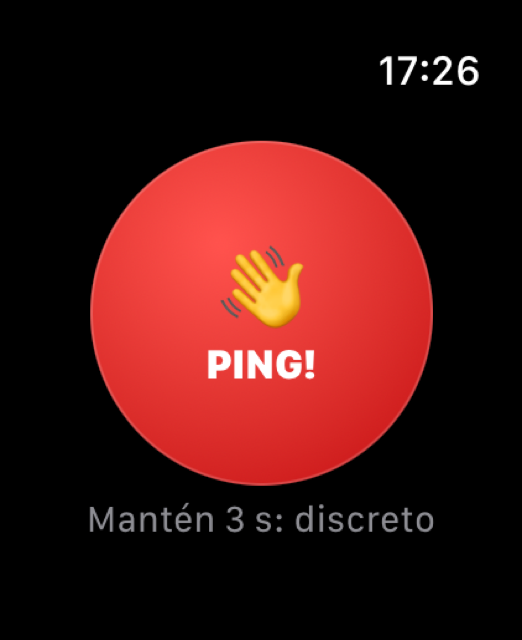
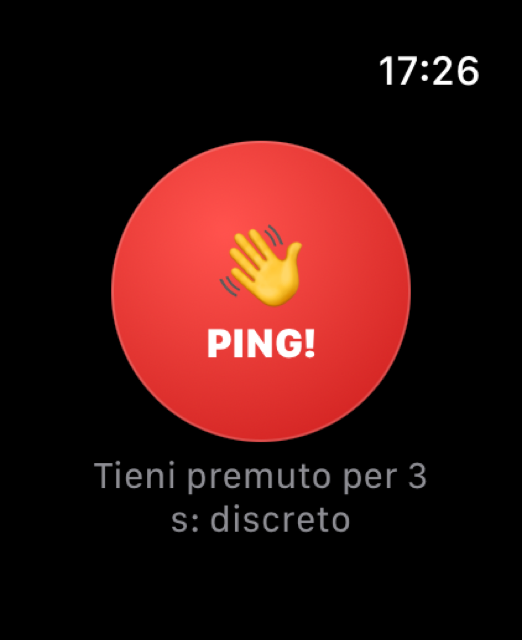
Ja. Hat die Watch selbst Internet (WLAN oder Mobilfunk bei Cellular-Modellen), sendet sie den Ping eigenständig – auch bei Kinder-Watches über die Familienkonfiguration, ganz ohne eigenes iPhone. Sonst leitet sie ihn über das gekoppelte iPhone weiter.
Yes. If the watch has its own connection (Wi-Fi, or mobile data on cellular models), it sends the ping on its own – including kids' watches via Family Setup, with no iPhone of their own. Otherwise it relays through the paired iPhone.
Oui. Si la montre a sa propre connexion (Wi-Fi, ou données mobiles sur les modèles cellulaires), elle envoie le ping toute seule – y compris les montres des enfants via la Configuration familiale, sans iPhone à eux. Sinon, elle le relaie via l'iPhone jumelé.
Sí. Si el reloj tiene su propia conexión (wifi o datos móviles en los modelos Cellular), envía el ping por sí solo – incluidos los relojes de los niños mediante Configuración Familiar, sin iPhone propio. Si no, lo reenvía a través del iPhone enlazado.
Sì. Se l'orologio ha una propria connessione (Wi-Fi o rete mobile nei modelli Cellular), invia il ping da solo – compresi gli orologi dei bambini tramite Configurazione famiglia, senza un proprio iPhone. Altrimenti lo inoltra tramite l'iPhone abbinato.
Wie lange wird mein Standort geteilt?How long is my location shared?Combien de temps ma position est-elle partagée ?¿Cuánto tiempo se comparte mi ubicación?Per quanto tempo viene condivisa la mia posizione?
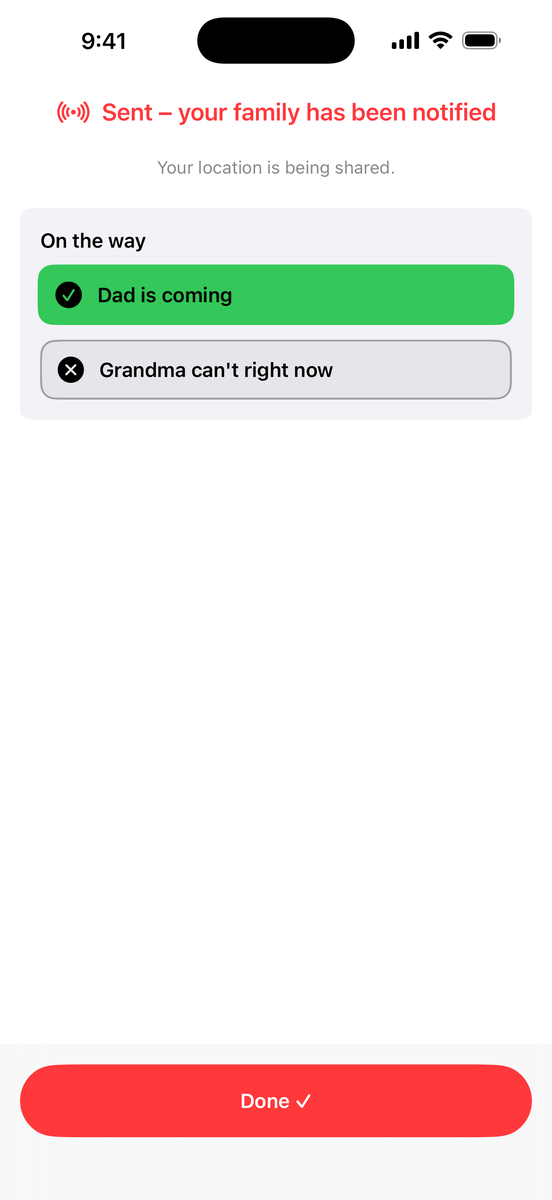
Nur während eines aktiven Pings. Er endet mit „Erledigt ✓" oder automatisch – danach wird der Standort gelöscht.
Only while a ping is active. It ends with "Done ✓" or automatically – afterwards the location is deleted.
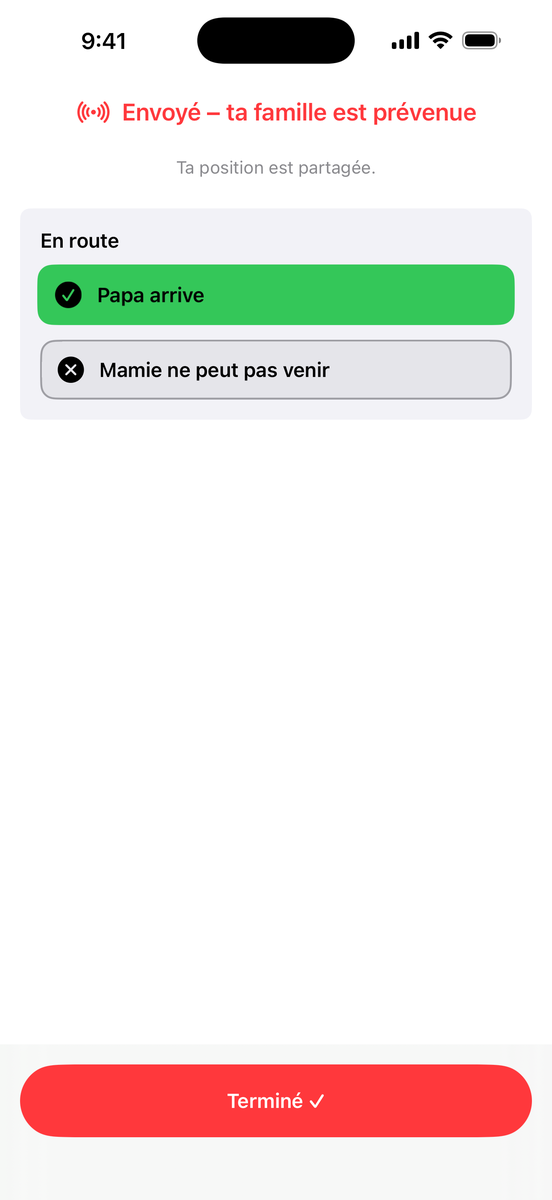
Seulement pendant un ping actif. Il se termine avec « Terminé ✓ » ou automatiquement – ta position est ensuite supprimée.
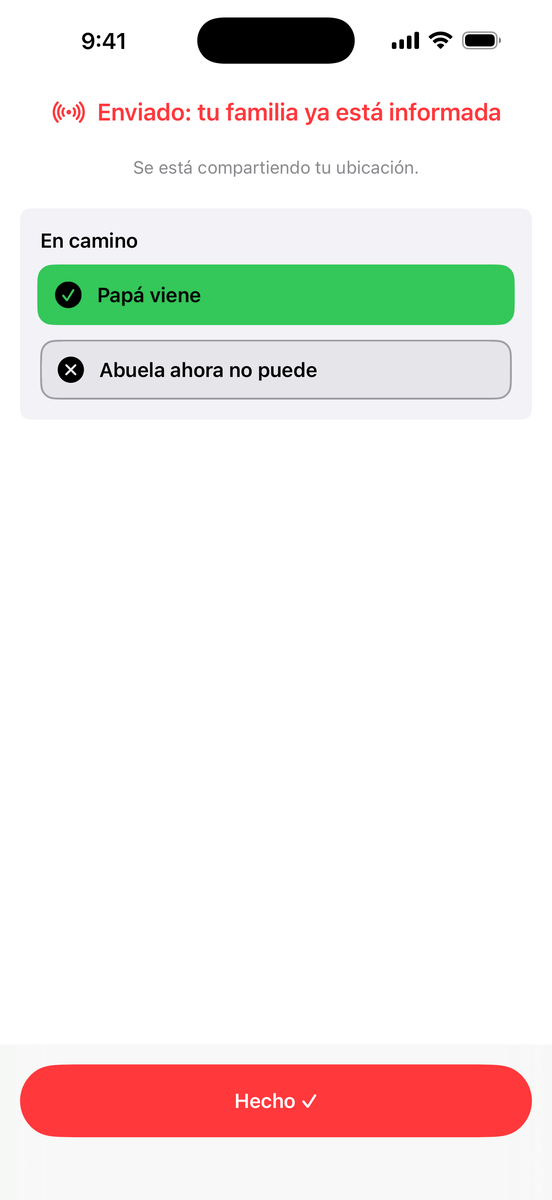
Solo durante un ping activo. Termina con «Listo ✓» o automáticamente – después la ubicación se elimina.
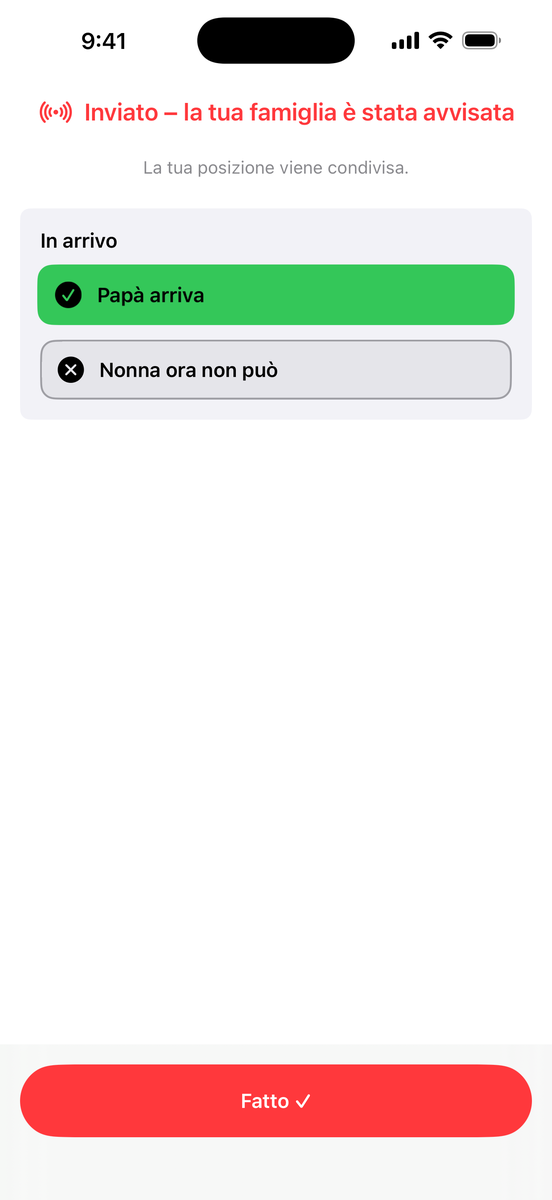
Solo durante un ping attivo. Termina con «Fatto ✓» o automaticamente – dopo la posizione viene eliminata.
Können meine Familienmitglieder Ping! mitbenutzen?Can my family members use Ping! too?Ma famille peut-elle aussi utiliser Ping! ?¿Puede usar Ping! también mi familia?Anche la mia famiglia può usare Ping!?
Ja. Ping! wird einmal gekauft und ist über Apples Familienfreigabe für bis zu sechs Personen nutzbar. Zwei Dinge müssen dafür stimmen: In den Familien-Einstellungen muss Einkäufe teilen eingeschaltet sein, und die anderen laden Ping! im App Store über Account → „Gekauft" → „Familienkäufe". Wer die App stattdessen einfach sucht, sieht auf der Produktseite manchmal weiter den Preis – das ist nur ein zwischengespeicherter Stand, kein zweiter Kauf.
Yes. Ping! is bought once and can be used by up to six people through Apple's Family Sharing. Two things need to be right: Purchase Sharing must be on in your family settings, and the others download Ping! in the App Store under Account → Purchased → Family Purchases. If they just search for the app instead, the product page sometimes still shows the price – that's only a cached state, not a second purchase.
Oui. Ping! s'achète une seule fois et jusqu'à six personnes peuvent l'utiliser grâce au Partage familial d'Apple. Deux conditions : le partage des achats doit être activé dans les réglages de la famille, et les autres téléchargent Ping! dans l'App Store via Compte → Achats → Achats familiaux. S'ils cherchent simplement l'app, la page produit affiche parfois encore le prix – ce n'est qu'un état en cache, pas un second achat.
Sí. Ping! se compra una vez y hasta seis personas pueden usarla mediante Compartir en familia de Apple. Dos cosas tienen que estar bien: Compartir compras debe estar activado en los ajustes de la familia, y los demás descargan Ping! en el App Store desde Cuenta → Comprado → Compras familiares. Si en su lugar solo buscan la app, la página del producto a veces sigue mostrando el precio: es solo un estado en caché, no una segunda compra.
Sì. Ping! si acquista una volta sola e fino a sei persone possono usarla tramite In famiglia di Apple. Servono due cose: la condivisione degli acquisti deve essere attiva nelle impostazioni della famiglia, e gli altri scaricano Ping! nell'App Store da Account → Acquistati → Acquisti della famiglia. Se invece cercano semplicemente l'app, la pagina del prodotto a volte mostra ancora il prezzo: è solo uno stato in cache, non un secondo acquisto.
Familienfreigabe oder Ping-Gruppe – was ist der Unterschied?Family Sharing or Ping group – what's the difference?Partage familial ou groupe Ping – quelle différence ?Compartir en familia o grupo de Ping: ¿qué diferencia hay?In famiglia o gruppo Ping: che differenza c'è?
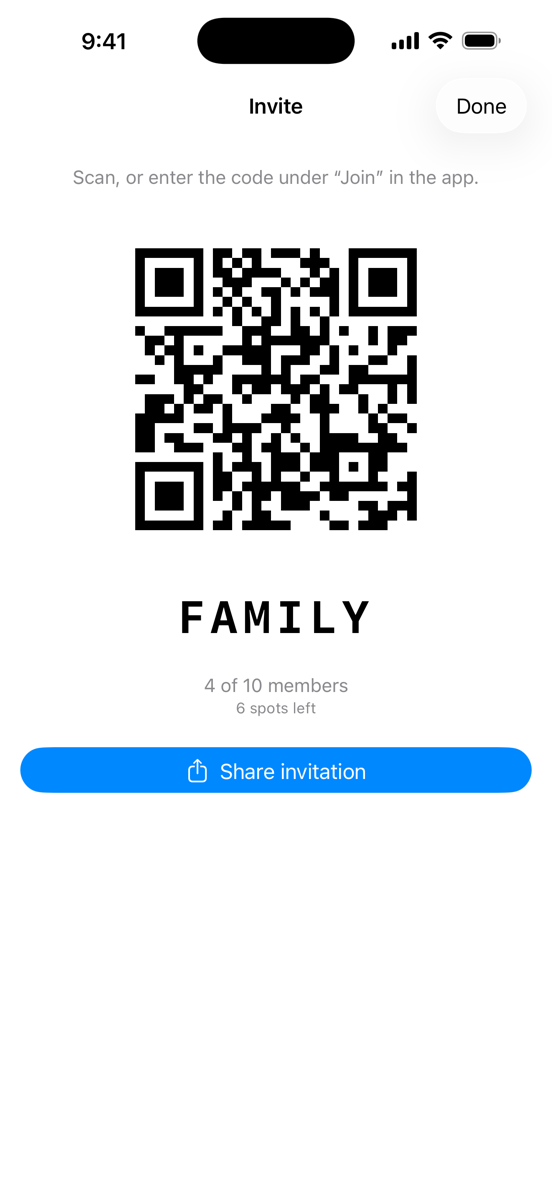
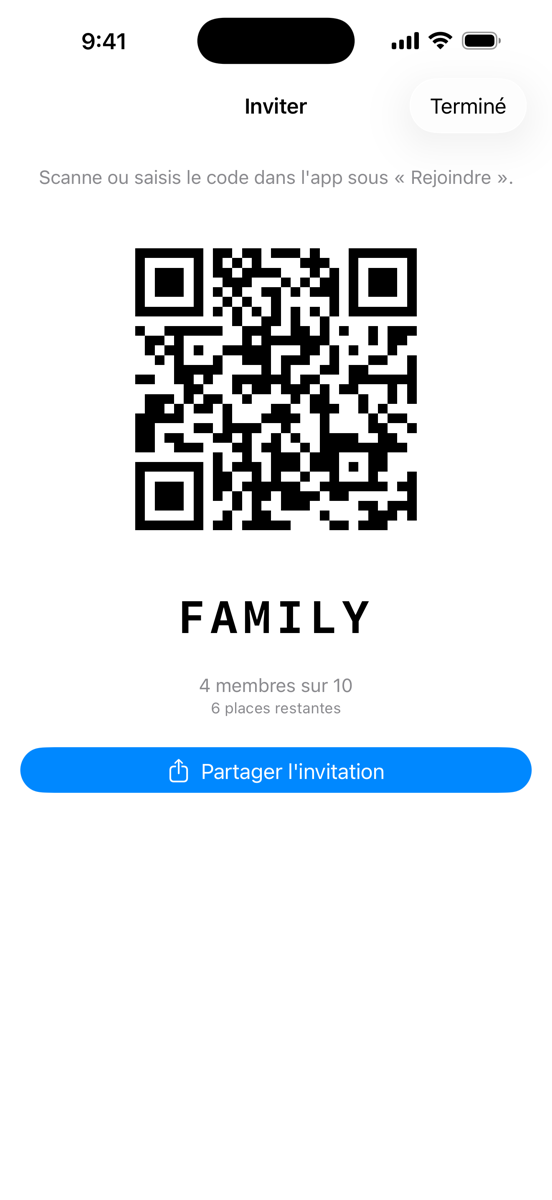
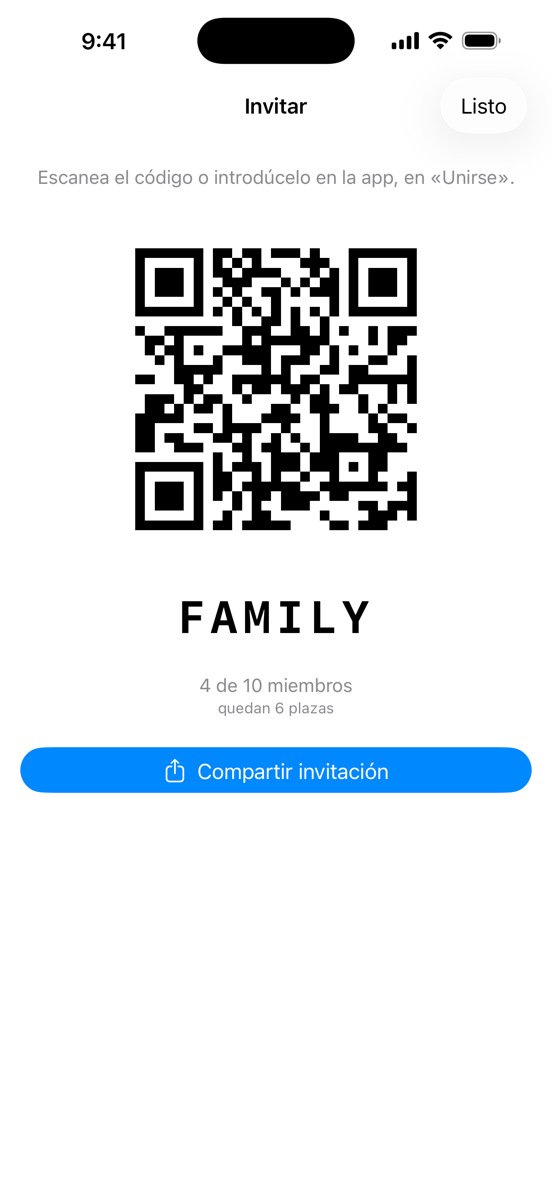
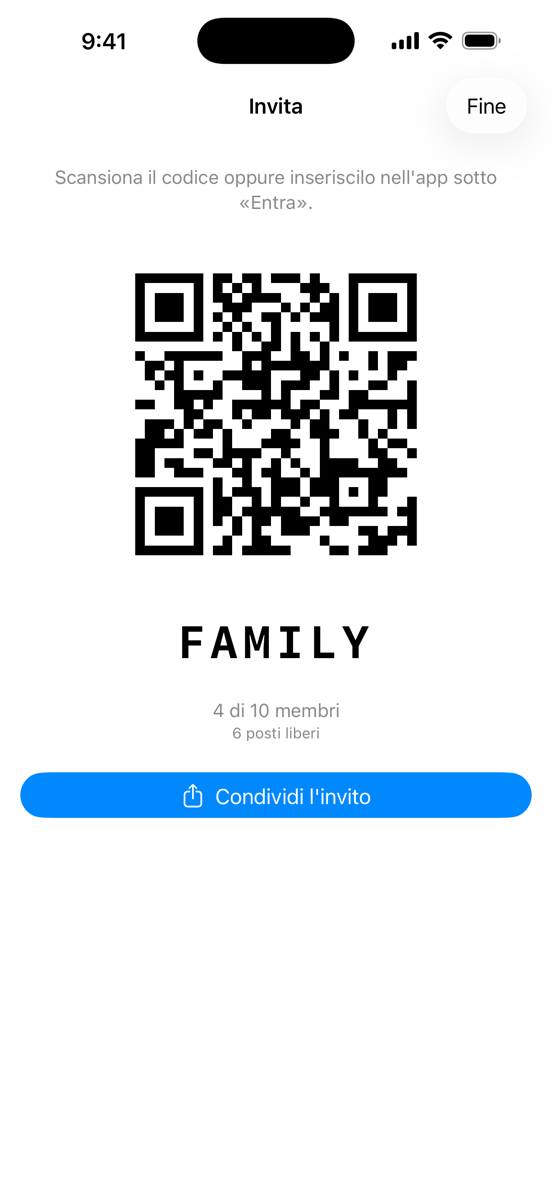
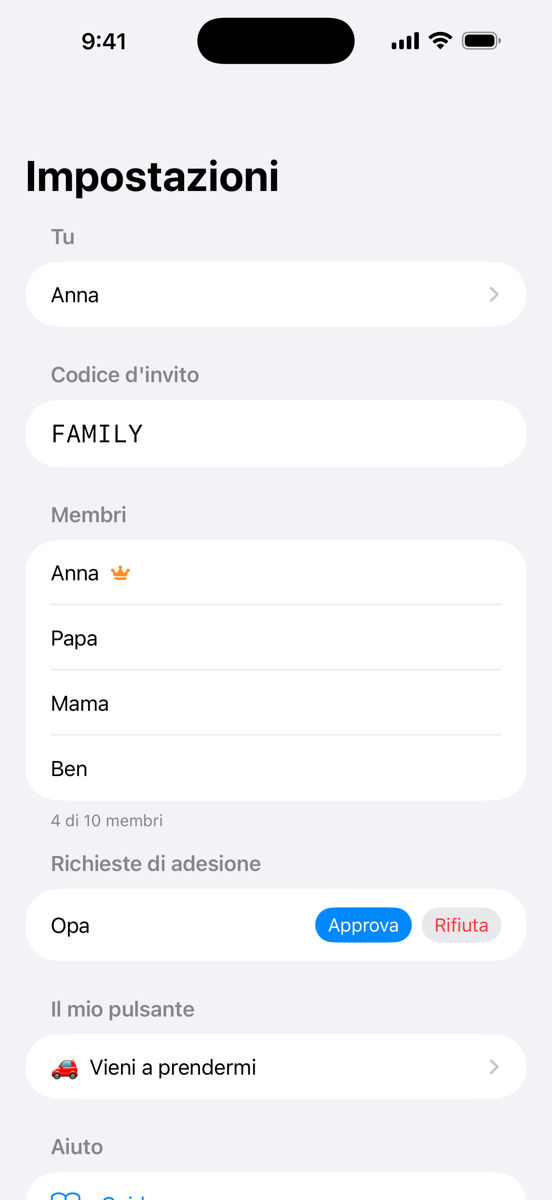
Zwei verschiedene Dinge. Die Familienfreigabe kommt von Apple und regelt nur das Bezahlen: wer die App laden darf, bis zu sechs Personen. Die Ping-Gruppe ist die Gruppe in der App und regelt, wer deine Pings bekommt – bis zu zehn Personen. Wer nicht in deiner Familienfreigabe ist, kann trotzdem in deine Ping-Gruppe, braucht dann aber eine eigene Kopie der App.
Two different things. Family Sharing comes from Apple and only governs paying: who may download the app, up to six people. The Ping group is the group inside the app and governs who receives your pings – up to ten people. Someone who isn't in your Family Sharing can still join your Ping group, but needs their own copy of the app.
Deux choses différentes. Le Partage familial vient d'Apple et ne concerne que le paiement : qui peut télécharger l'app, jusqu'à six personnes. Le groupe Ping est le groupe dans l'app et détermine qui reçoit tes pings – jusqu'à dix personnes. Une personne qui n'est pas dans ton Partage familial peut quand même rejoindre ton groupe Ping, mais il lui faut sa propre copie de l'app.
Dos cosas distintas. Compartir en familia es de Apple y solo regula el pago: quién puede descargar la app, hasta seis personas. El grupo de Ping es el grupo dentro de la app y regula quién recibe tus pings: hasta diez personas. Quien no esté en tu Compartir en familia puede entrar igualmente en tu grupo de Ping, pero necesita su propia copia de la app.
Due cose diverse. In famiglia è di Apple e riguarda solo il pagamento: chi può scaricare l'app, fino a sei persone. Il gruppo Ping è il gruppo dentro l'app e stabilisce chi riceve i tuoi ping: fino a dieci persone. Chi non è nel tuo In famiglia può comunque entrare nel tuo gruppo Ping, ma gli serve una propria copia dell'app.